
DiskVisualizer
A modern macOS disk usage analyzer. Scan, analyze, and visualize your storage with interactive treemaps and detailed statistics.
Coming soon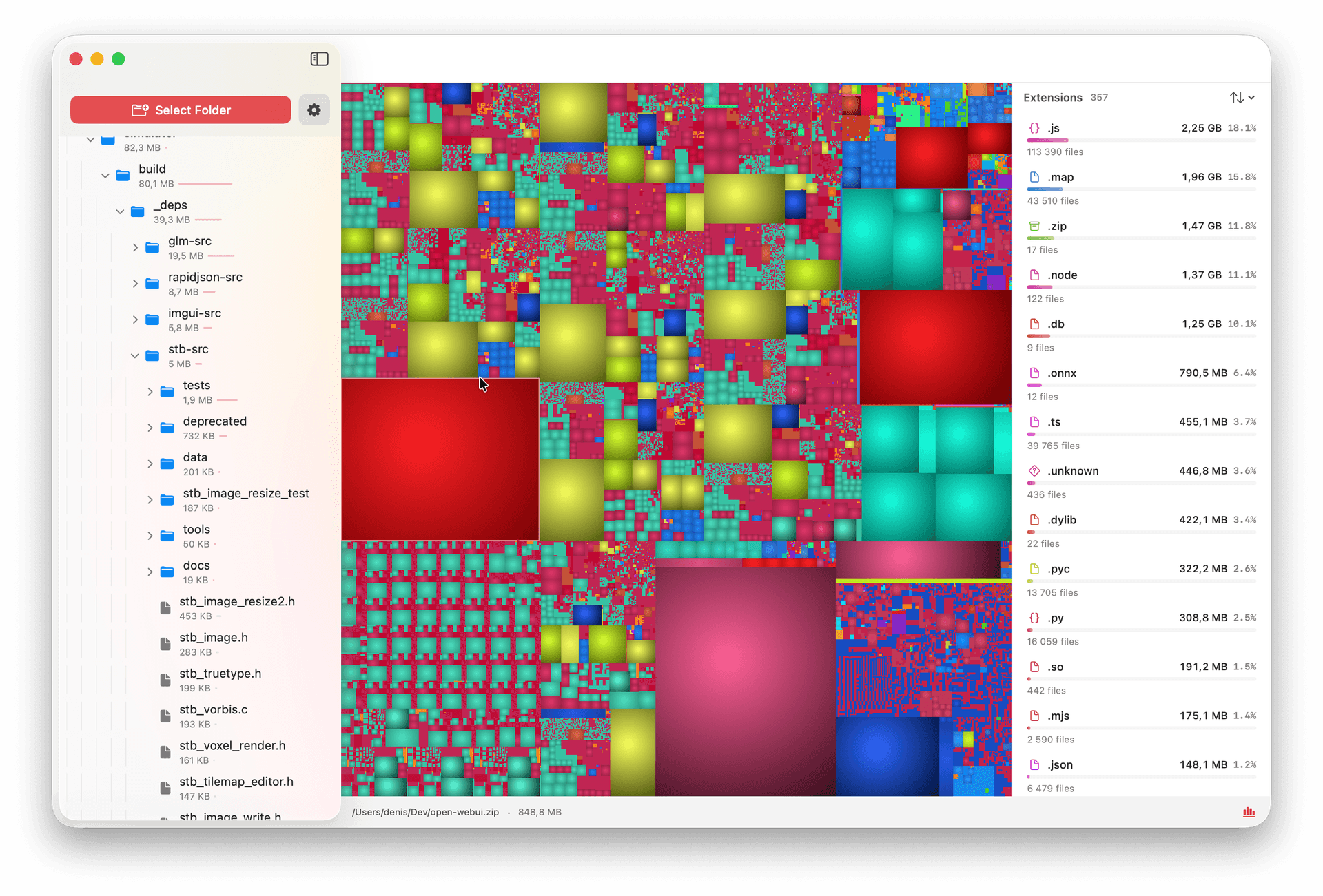
See where your space goes
Interactive Treemap
Visualize your entire disk as a colorful, interactive treemap. Instantly spot the largest files and folders taking up space.
File Extension Statistics
Detailed breakdown by file type — see exactly how much space each extension uses, sorted by size with file counts.
Fast Disk Scanning
Designed for speed. Scan entire drives quickly and get a clear overview of your storage in seconds.
Advanced Filtering
Filter by file type, size, or folder. Drill down into specific directories to find exactly what you're looking for.
Folder Tree Browser
Navigate your file system with an intuitive sidebar tree. Click any folder to zoom into its contents on the treemap.
3D Effects & Customization
Customize your view with 3D treemap effects and display options. Make your disk analysis as visual as you need.